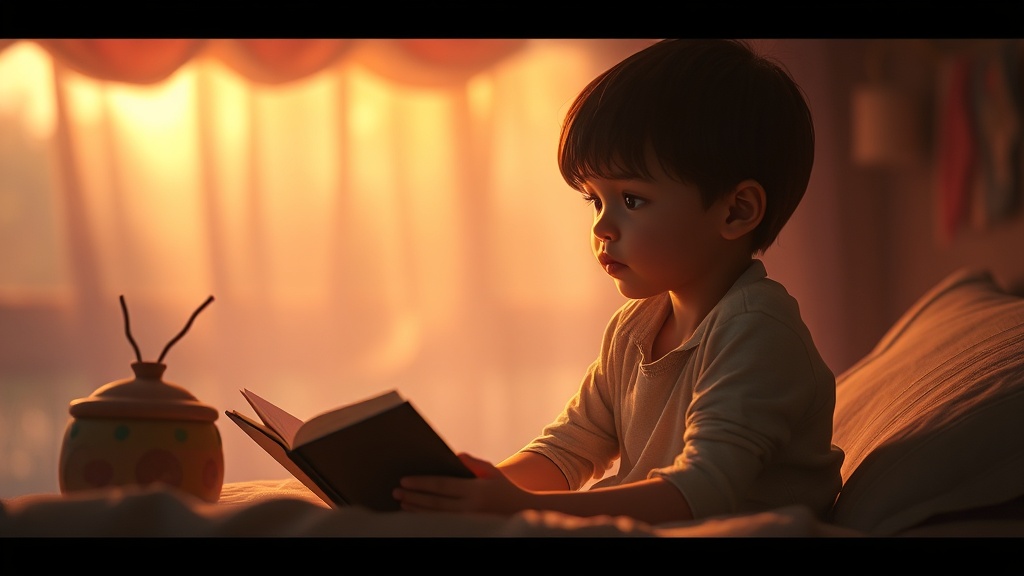
Kids YouTube channels are exploding — bedtime story videos alone pull billions of monthly views. But producing one the traditional way (illustration, narration, music, animation) takes days and a team. AI narrative video generation compresses all of that into under 10 minutes, letting a solo creator publish daily.
This guide walks through exactly how we build a bedtime story video end-to-end with Shortlify, from the opening idea to the YouTube upload. It works the same for fairy tales, bedtime rhymes, educational mini-stories, and moral fables.
Why AI works so well for kids story content
Kids content has three properties that make it uniquely well-suited to AI generation. First, the visual language is forgiving — soft painterly illustrations look better than photorealistic faces (which AI still sometimes botches). Second, the pacing is slow; a 3-minute story needs 6–12 scenes, not 60, so the render budget stays small. Third, a calm narrator voice carries the whole experience, and AI voice cloning is essentially perfect for children-directed narration.
Step 1 — Craft a story prompt the AI can run with
The best kids prompts are short, emotional, and visually concrete. The AI will expand them into full narration, so you don't need to write the story yourself. Good patterns:
- "A lonely puppy finds a magical blue flower in the forest and shares it with a hungry squirrel."
- "A little girl and her talking teddy bear search the attic for a lost music box."
- "A young star falls from the sky and a kind farmer helps it find its way home."
- "Two best friends — a bunny and a hedgehog — race through a meadow to find the sweetest berry."
Step 2 — Pick an illustration style
For a kids channel, stylistic consistency across episodes is worth more than any single pretty frame. Pick one aesthetic and stick with it:
- Ghibli watercolor — soft, warm, perfect for nature stories.
- Pixar 3D — clean and bright, feels like a real animated studio.
- Storybook illustration — traditional painted look, ideal for classic fairy tales.
- Flat vector — simple shapes and bold colors, great for toddlers (1–4 years).
Step 3 — Voice selection matters more than you think
A warm, slightly slower female voice outperforms energetic voices in sleep and calm-down videos. For adventure stories, a slightly deeper expressive voice works better. Test 2–3 voices with a 15-second preview before committing — Shortlify lets you play each voice with a sample sentence before you render.
Step 4 — Optimizing the upload for YouTube Kids
- Export vertical (9:16) for Shorts, horizontal (16:9) for main channel videos.
- Title format: "[STORY NAME] · Bedtime Story for Kids 💤" — descriptive + emoji.
- Thumbnail: a single expressive character face works better than a busy scene.
- Description: include 3–5 keyword phrases ("bedtime story", "kids story video", "sleep stories for toddlers").
- Tags: 10–15 tags covering story name, age range, mood, characters.
Monetization math for a kids channel
Kids content has traditionally had lower CPMs than finance or tech niches, but higher watch-time (as reported by various industry sources). With Shortlify you can publish short stories daily at a low marginal API cost per video, which makes iteration affordable. Individual channel revenue depends on niche, audience, platform policies and monetization status — no earnings are guaranteed.
Ready to start?
Sign up for Shortlify, pick "From a story" mode, and your first video is live in under 10 minutes. Most creators ship 3–5 videos in their first session — the pipeline is that fast once you internalize the prompt patterns.